How to Set Up Medical ID and Emergency Contacts on Your Phone
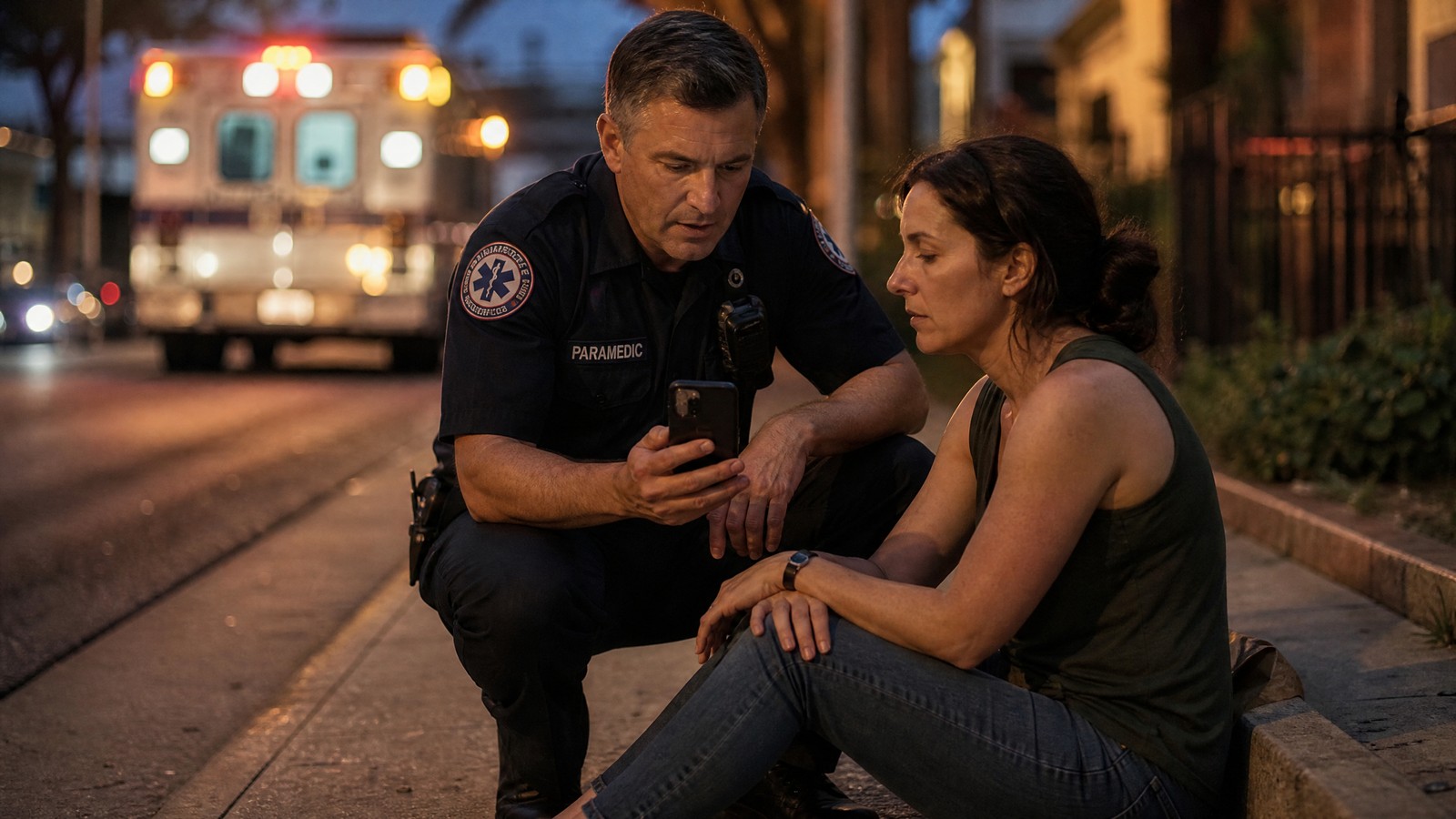
Picture a runner who collapses on a quiet trail, or a driver who is confused and unable to talk after a crash. Their phone is in a pocket, locked, and full of the answers a medic needs. Medical ID on iPhone and Android exists for exactly that moment. Most people have never filled it in. This guide walks through both phones, what to enter, what to keep private, and how to check that it works.
Medical ID on iPhone and Android: What It Does
Medical ID is a short profile that your phone can show from the lock screen. It lists the facts a stranger needs when you cannot speak for yourself: conditions, allergies, medications, blood type, and the people to call.
Both major platforms build it in. Apple calls it Medical ID, inside the Health app. Google puts the same idea in the Safety app, under emergency information. Neither costs anything, and neither needs an account beyond the one already on your phone.
It does not replace calling 911, and it does not replace a conversation with a medic. It fills the gap when there is no conversation to have. If you ever need to reach dispatch without speaking, our guide on how to text 911 covers that side of the plan.
How to Set Up Medical ID on iPhone
According to Apple Support, the steps are short. Do them now, not later.
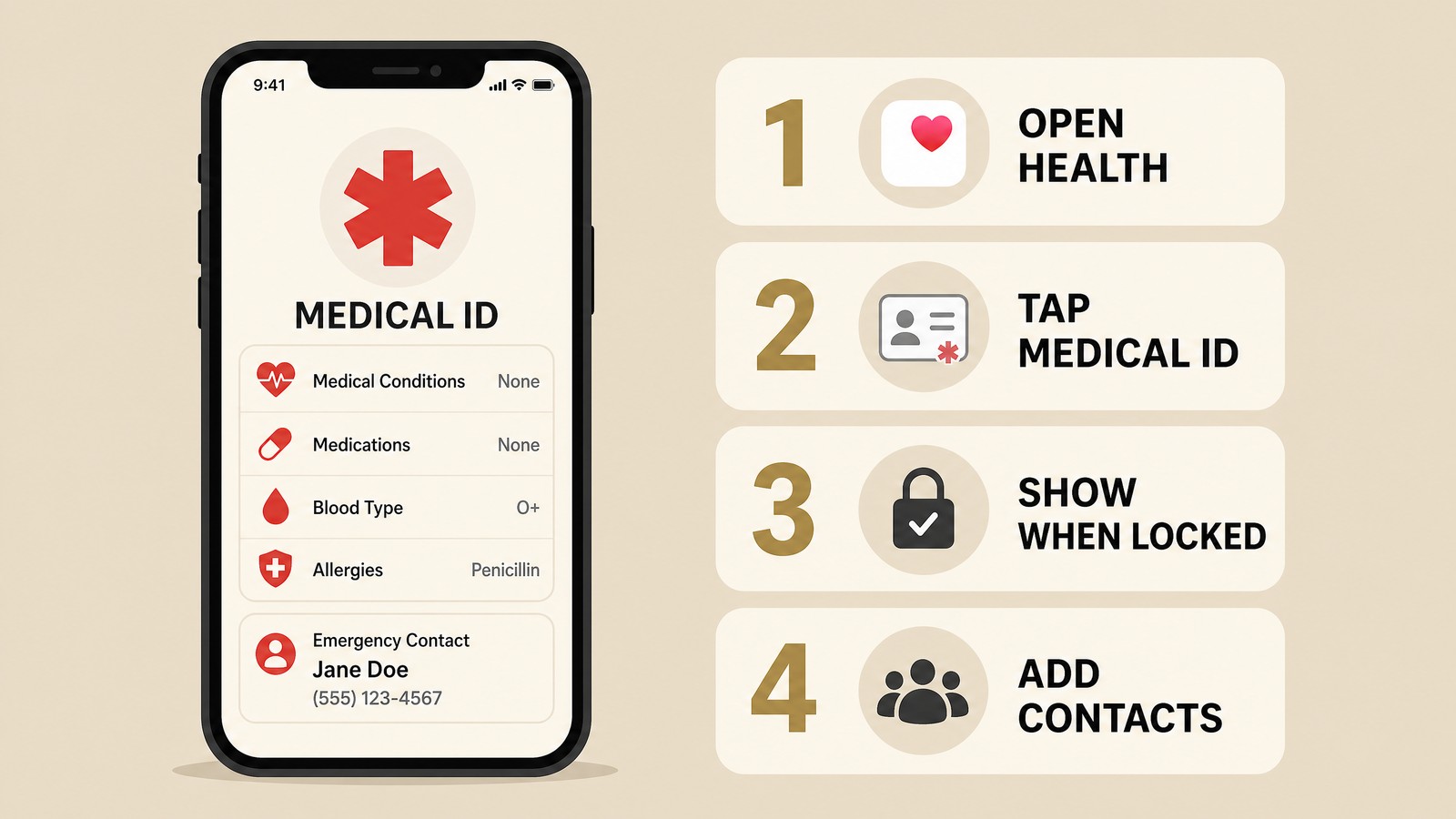
- Open the Health app and tap the Summary tab.
- Tap your profile picture in the upper corner, then tap Medical ID.
- Tap Edit and fill in each field: conditions, allergies, medications, and the rest.
- Turn on Show When Locked so responders can open it from the lock screen without your passcode.
- Turn on Share During Emergency Call so it is sent when you call or text emergency services.
- Under Emergency Contacts, tap the plus button, choose a person, and add how they are related to you.
- Tap Done.
One setting trips people up. Apple notes that sharing stops if Emergency Calls & SOS is switched off. Check it under Settings, then Privacy & Security, then Location Services, then System Services.
To see what a stranger sees, lock your phone, swipe up as if to enter a passcode, tap Emergency, then tap Medical ID.
How to Add Emergency Info on Android
Android varies by brand, so the labels can differ slightly. Google's Android Help page describes the standard path.
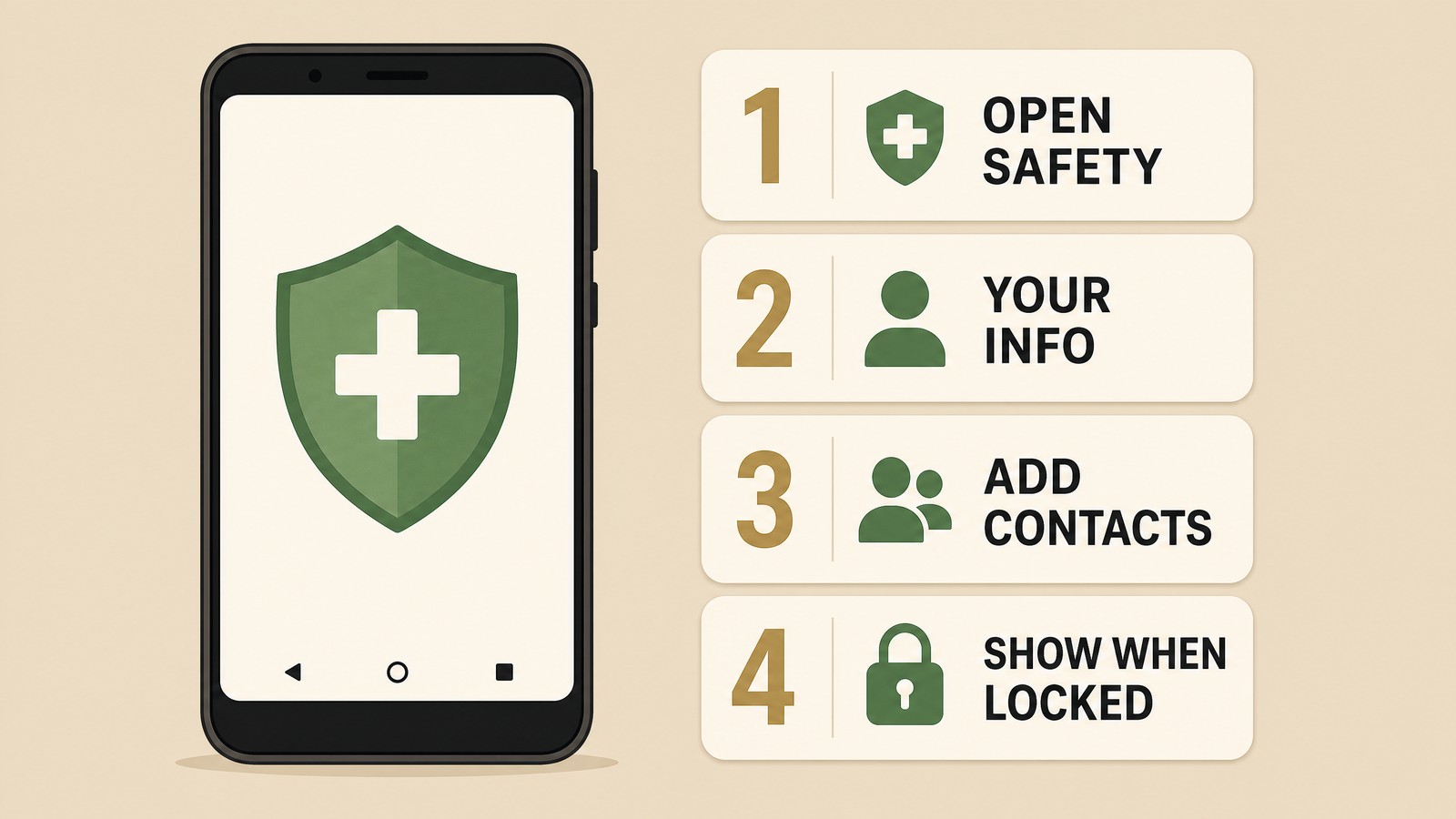
- Open the Safety app. On some phones it shows up as Personal Safety in Settings and the Play Store.
- Sign in to your Google Account and tap Your info.
- Tap Medical information and add details such as blood type, allergies, and medications.
- Tap Emergency contacts, then Add contact, and pick people from your contact list.
- Tap Emergency info access, then turn on Show when locked.
To check it, swipe up on the lock screen, tap Emergency, then tap View emergency info. Google also warns that your phone may not be able to call your emergency contacts if it has no SIM or eSIM, so keep service active on any phone you carry.
If your phone is from Samsung or another maker with its own settings, look for an Emergency information or Medical info entry in Settings, and check Google's help page for the version that matches your phone.
What to Put In Your Medical ID on iPhone and Android
Keep it short and factual. A medic has seconds, not minutes.
- Allergies. Medications, foods, and insect stings. If you carry an epinephrine pen, say so. Our guide to anaphylaxis first aid explains why that detail matters.
- Conditions. Diabetes, epilepsy, heart conditions, or anything that changes how you should be treated.
- Medications. Name and dose for anything you take daily, especially blood thinners or insulin.
- Blood type if you know it, and organ donor status if you want it shown.
- Emergency contacts. Two or three people, with their relationship to you. Choose someone who lives near you and someone who lives somewhere else, since a local disaster can affect both.
Add your date of birth, height, and weight if the fields are there. Responders use them to estimate doses and to describe you to a hospital.
What to Leave Out
The lock screen is visible to anyone who picks up the phone. Google says so directly on its help page. That means you should leave out a home address, a Social Security number, insurance policy numbers, bank details, and anything that works like a password.
The same goes for private diagnoses you do not want a stranger to read. Include what would change how you are treated in an emergency. Skip the rest.
How Responders Actually See It

Paramedics and police are often trained to look for a medical ID, a bracelet, or a wallet card on someone who cannot respond. A phone that offers an Emergency button on the lock screen is one more place to look. Bystanders can also open it and read your contacts aloud to dispatch.
It works best as one layer in a set. Keep a printed card with the same information in your wallet. If you take medication that is hard to replace, a wearable medical ID adds a second place to check. A paper list in your go bag and in your home first aid kit covers the cases where the phone is dead, lost, or left behind.
Tell the people you listed. A contact who gets a call from a hospital and has no idea why is slower to help than one who knew this day might come.
Keep Your Medical ID on iPhone and Android Current
A wrong entry is worse than a blank one. Review your Medical ID twice a year, and update it when a doctor changes your medication, when you move, or when a contact changes their number. Pairing it with a time change in spring and fall makes it easy to remember.
If you are building a wider plan, our family emergency plan guide shows how to share contacts, meeting points, and roles with everyone in your household. Medical ID is the piece that speaks for you when you cannot.
Medical ID tells responders who you are. The 1stHour Trauma Kit gives whoever reaches you the tools to start helping in the first minutes. See what's inside The 1stHour Trauma Kit and keep it where you keep your phone and keys.
This content is for informational purposes only and does not constitute medical advice. Menu names can change with software updates. In a medical emergency, call 911 immediately.


